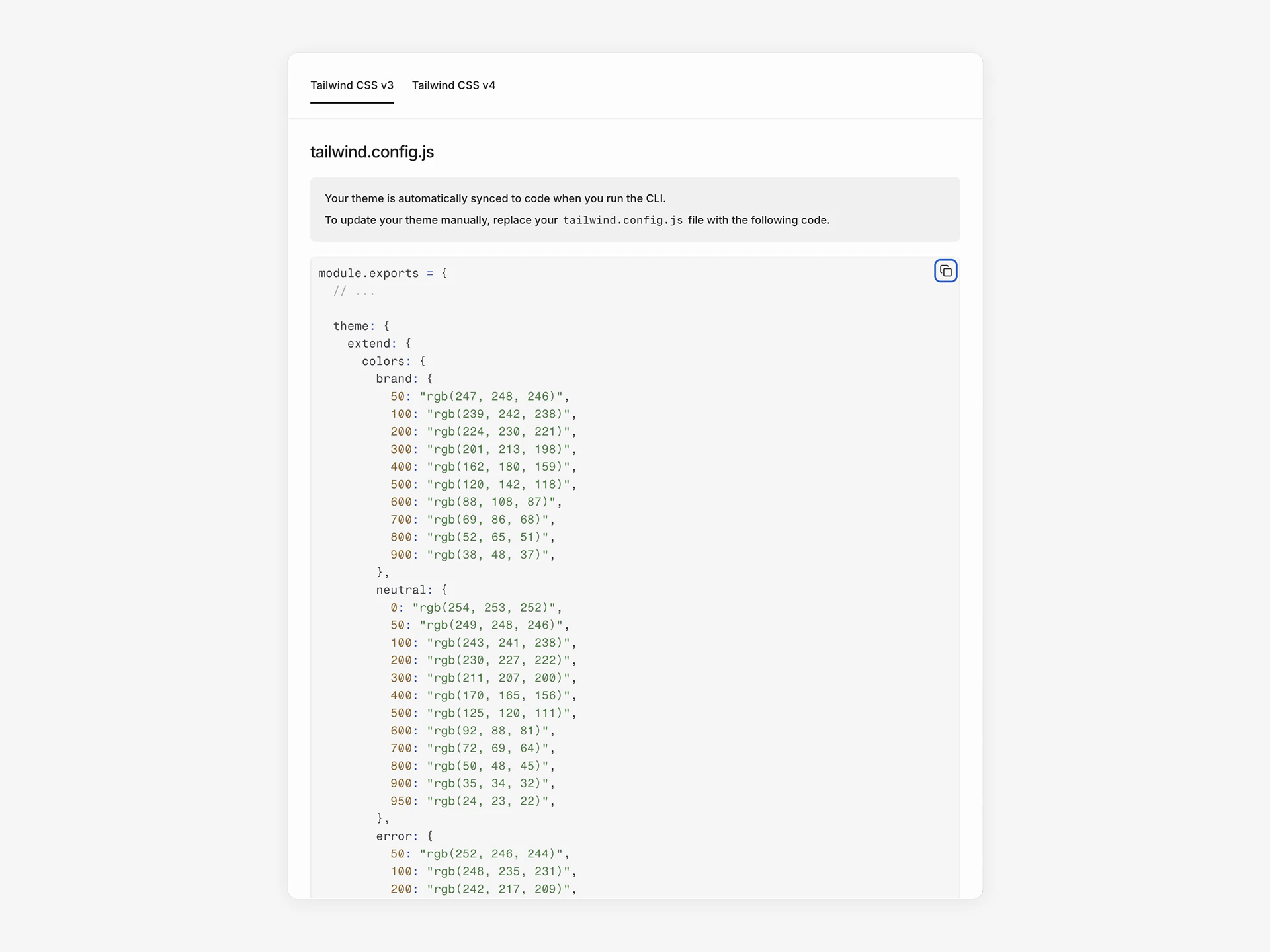
View your generated Tailwind config and sync theme changes to your codebase.
Your theme generates a Tailwind CSS configuration that your codebase uses for styling. You can view the generated config at any time and sync changes with the CLI.
Click Export in the sidebar to view the generated Tailwind configuration for your theme. The dialog has two tabs:
Tailwind CSS v3 — Shows a tailwind.config.js file with your tokens as a JavaScript module
Tailwind CSS v4 — Shows a theme.css file with your tokens as CSS variables inside a @theme block
Click Copy to clipboard to copy either format.The generated config includes colors, font sizes, font families, box shadows, border radius, container settings, and responsive breakpoints.
Run the CLI to sync your theme and components to your codebase:
npx @subframe/cli@latest sync --all
yarn dlx @subframe/cli@latest sync --all
pnpx @subframe/cli@latest sync --all
bunx @subframe/cli@latest sync --all
This updates your local Tailwind config with new token values. Components automatically use the updated theme.See Installation for CLI setup instructions.